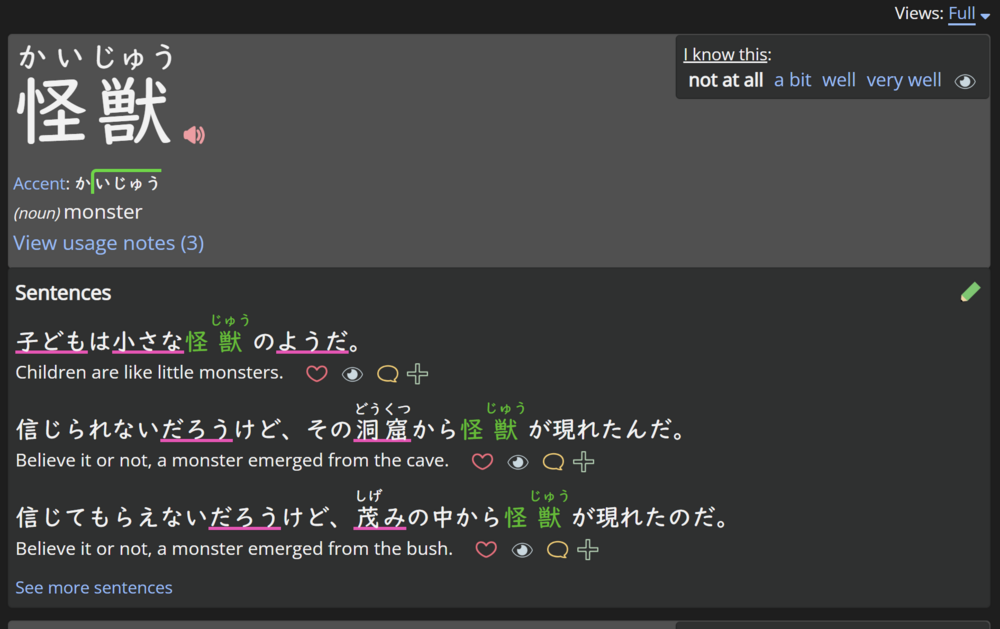
Right now the study view does not allow to interact with the word. For example it's not possible to open the dictionary entry of the word being studied (clicking on the word opens the kanji page) nor the usual word menu. I often want to adjust the mastery of a word to a specific value and I can't from this view, which means I need to hide the word first, then go into hidden words and then set its mastery to whatever score I want. Because the word menu is not present, all other actions are also not possible from this view.
Can you show me a screenshot of exactly where you're referring to?
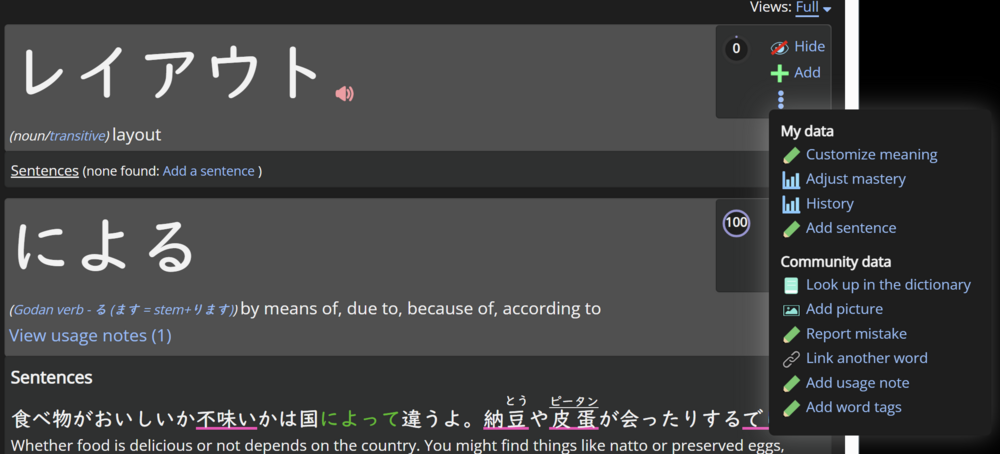
This is the view I'm referring to. It doesn't have the usual three dots menu, nor a way to open the vocabulary entry. IMO, the easiest fix would be to add the three dots menu immediately after the eye icon. See second screenhot.
This is the normal three dots menu you can see elsewhere: