This experimental setting has actually been around forever, but it fell by the wayside for about a year. I am finally getting back to it.
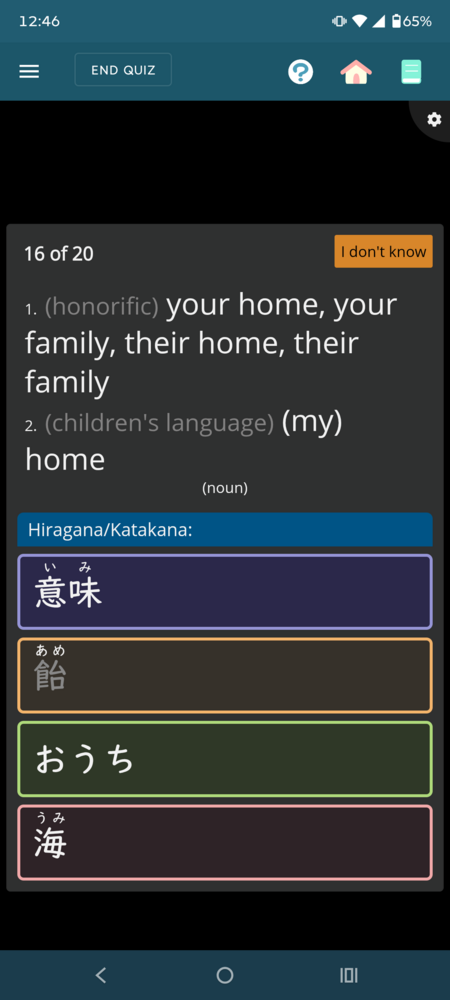
As of now, I am expanding it out so that, when selected, furigana appears much more frequently in multiple choice answers.
Specifically, up until now, it would only do so if you knew at least one of the kanji in the answer. So if you knew 漢 in the word かんじ, the answer would give you 字 with furigana in it.
With this new update (if it goes well), even if you do not know either of the kanji, it will still show the kanji with the furigana.
Due to the crazy number of user setting configurations, I am unable to fully test this with every variation, so please report any issues you come across.
I am not sure if it is related. I was in the middle of a quiz and so I did not see your message that the new feature went live. But I created a bug report for it: https://app.renshuu.org/forums...
Edit: since my other bug report was exactly the same as syzgy14's below, and to keep everything in this thread, I deleted the other post.
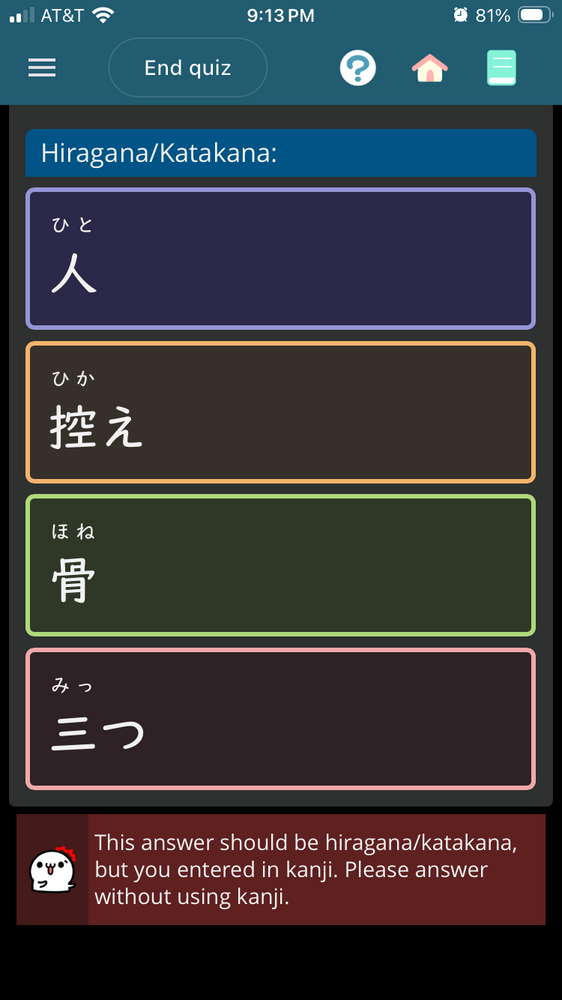
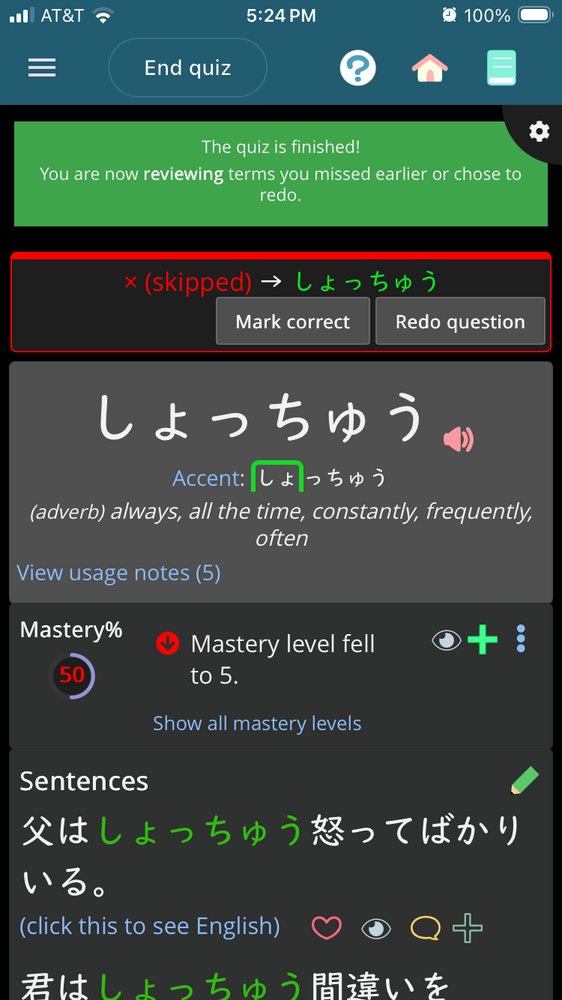
Hi! I’ve been really looking forward to this feature, thank you! Just reporting that I just got stuck in a loop and had to manually end the quiz - I got stuck with the button “the answer should be in hiragana, but you answered in kanji.”
Also, it doesn’t matter that much but it could be nice in the future if kanji I do know (like 人, 三つ, and 骨 here) could be filtered out so the only multiple choice options are unknown kanji.
Since I have not seen this before, and a new feature just went live, it might be related. So let me know if you want me to create a new post for this. But I tried toggling the setting for the furigana and it did not make a difference here. Not sure if related.
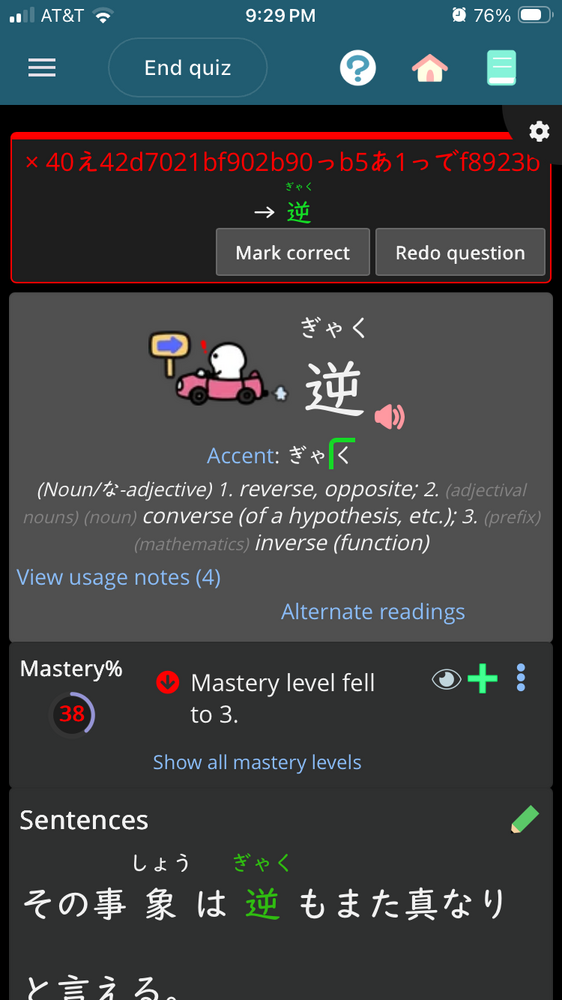
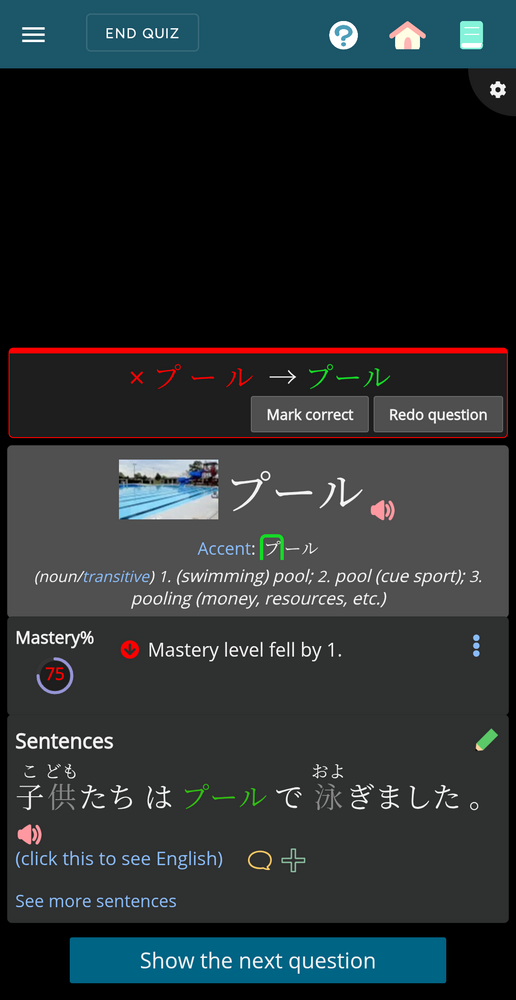
One quiz question had an unusual visual style for an answer.
Further, when selecting the answer that was wanting to be selected correct answer, it was not accepted.
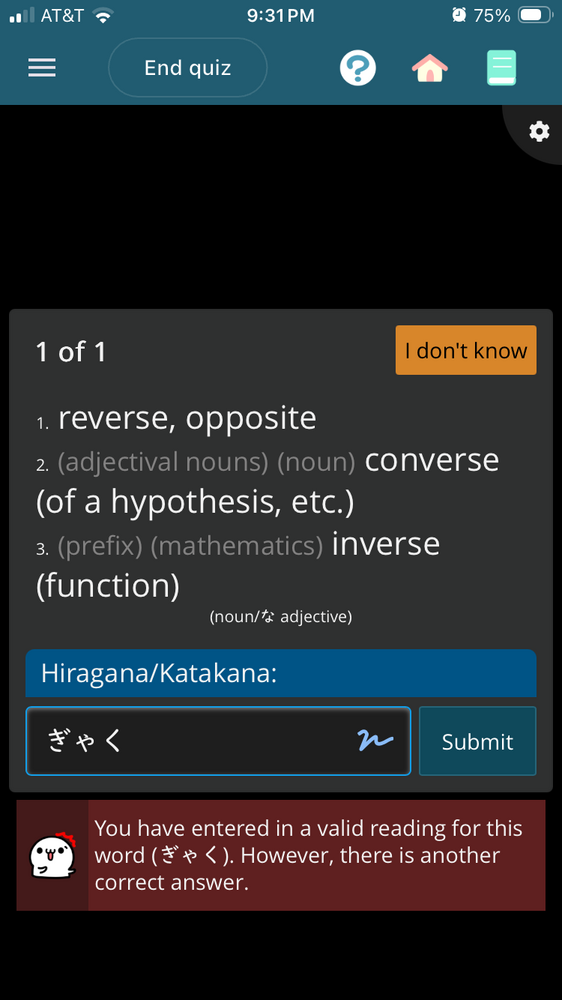
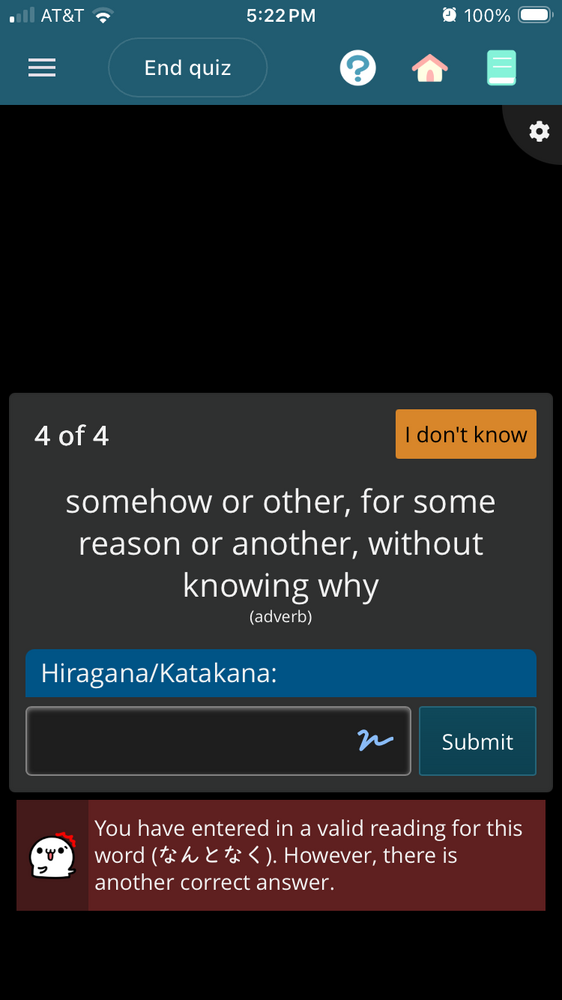
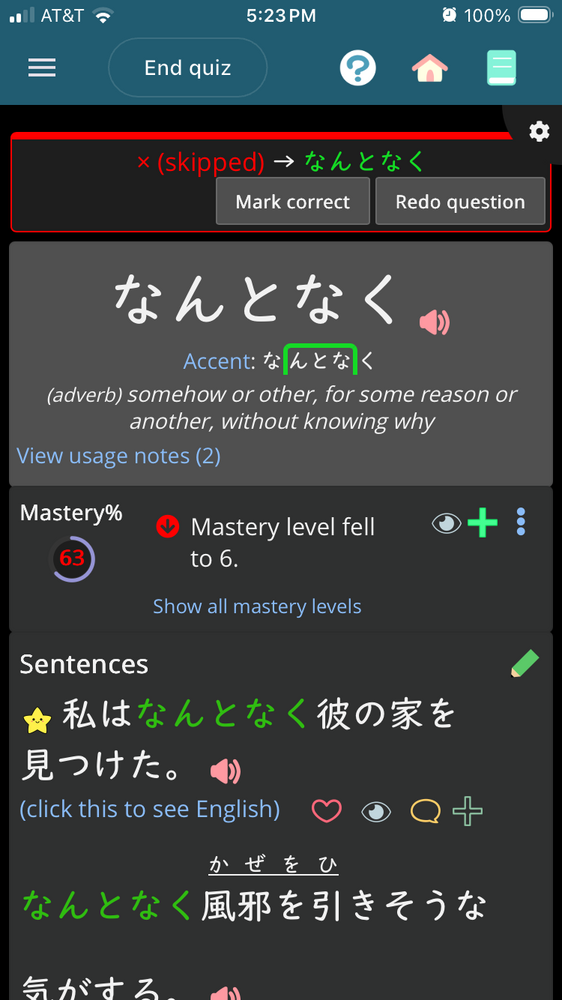
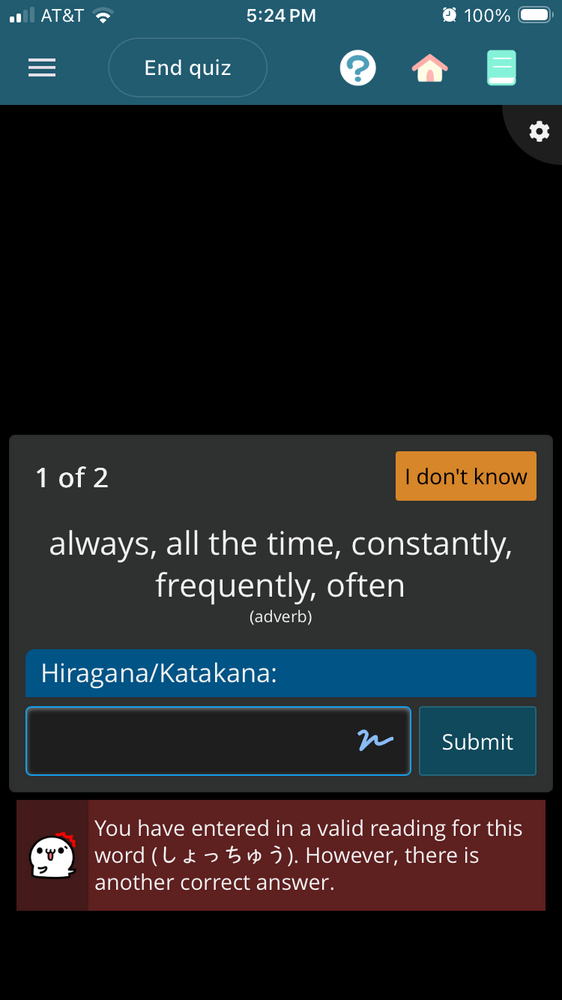
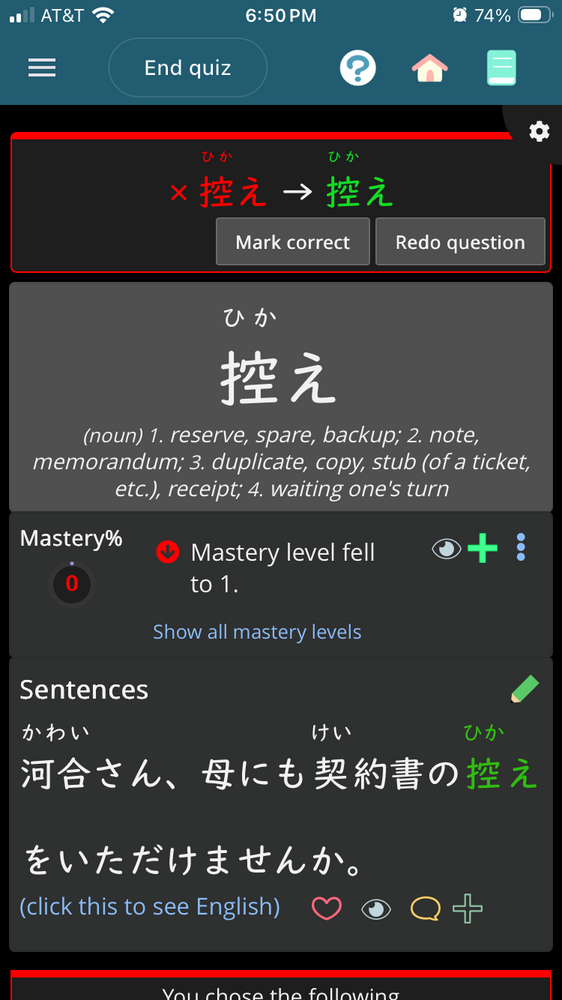
A couple more errors here! In a multiple choice quiz, I ended up in the endless loop again before getting the “answer” pictured above. Then, on the same question but in another focused review quiz, I entered ぎゃく and got the message that it was also correct, but not what the quiz was looking for, so I entered お互い. However, ぎゃく was the correct answer after all.
I think I got all the issues here resolved, and will update tomorrow (when I have time to follow it more closely, as it's already mid-afternoon at the moment.
The issue with the typed kana answers is fixed for me! But instead I got the same error as UmberSage, except this time it was for a kanji with furigana multiple choice answer.
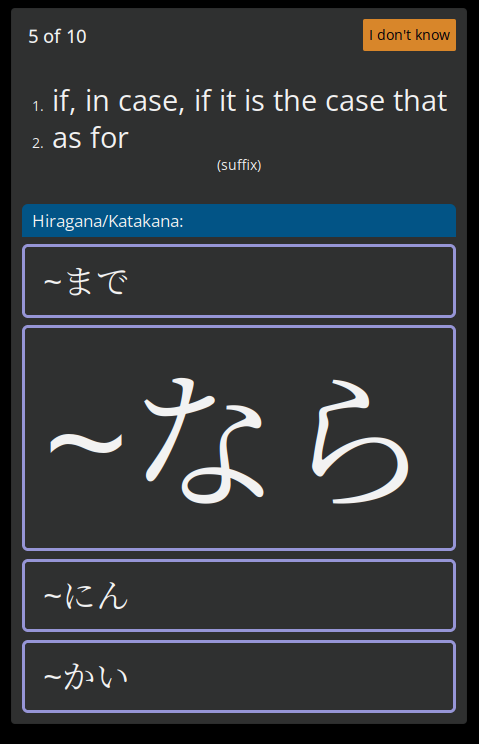
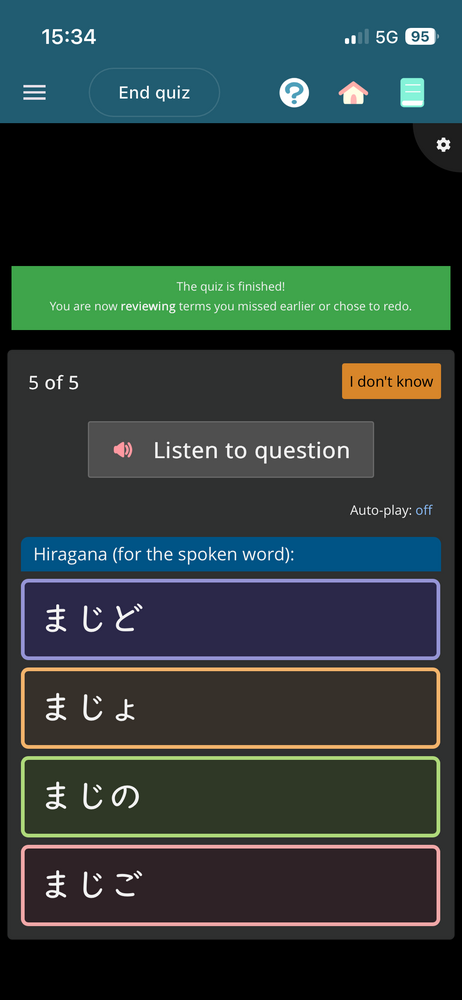
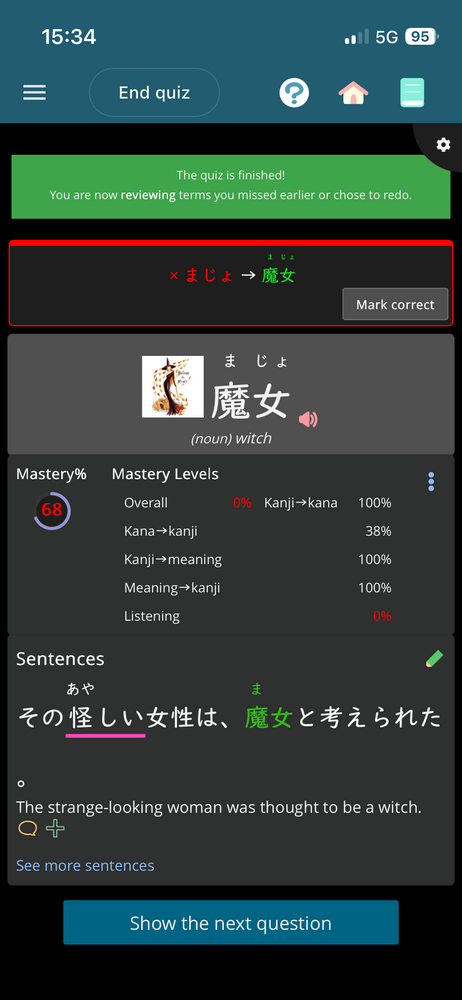
I just had a quiz reject 3 correct answers, all for listening questions (it also rejected 2 words that I genuinely got wrong).
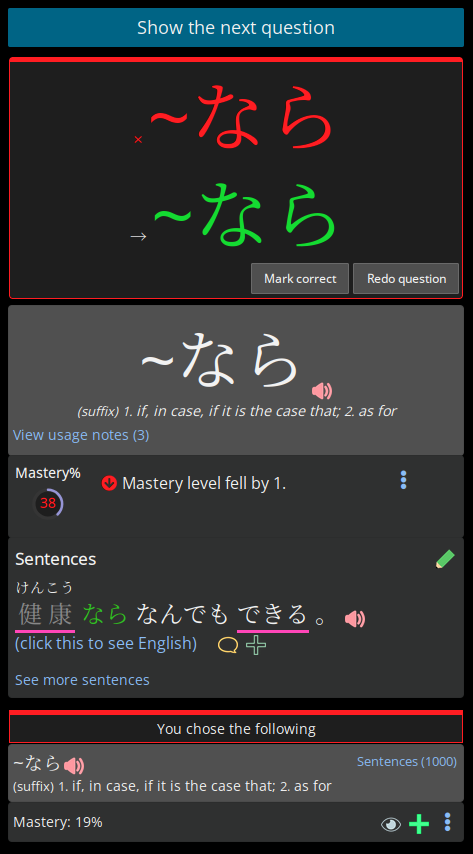
Two of them were accepted in the post-quiz reviews, but the last one was an infinite loop and I had to eventually mark it as correct manually.
Here’s a screenshot of q & a of the last one:
and the rejected answer:
The other words that it didn’t play nice with were 「~っぽい」and 「舞 (まい)」, but those 2 were accepted in the post-quiz review.
For all 3 questions, only the kana was shown in the answer options, but the kanji with furigana was shown in the rejected answer screen (for the 2 with kanji). There were no messages saying why they were marked as incorrect.
These might be trickier to knock out, but I'm sure I can get them!
The listening ones are not because they are listening, but because they are spelling type questions (where the false answers are made by changing out characters). For now, I "fixed it" (you can answer correctly), but kanji/furigana is not shown. Putting the spelling mistakes inside of the kanji/furi is much more difficult, so I'll need to think about if it's worth adding or not.