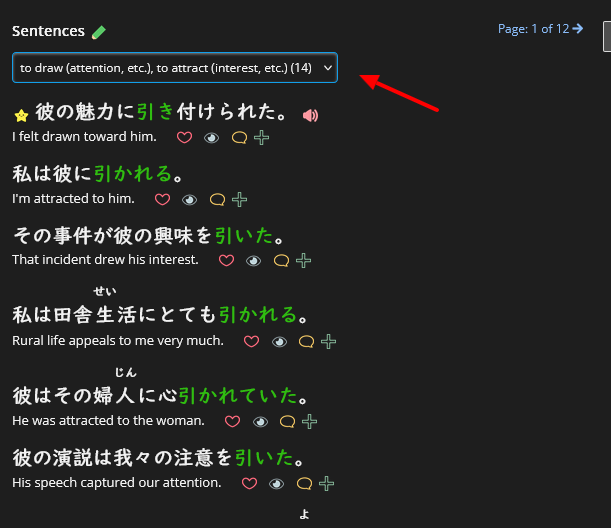
This data was (and still is, please consider joining!) generated through our Vocabulary Tagger project under Support Renshuu > Crowdsourcing Projects.
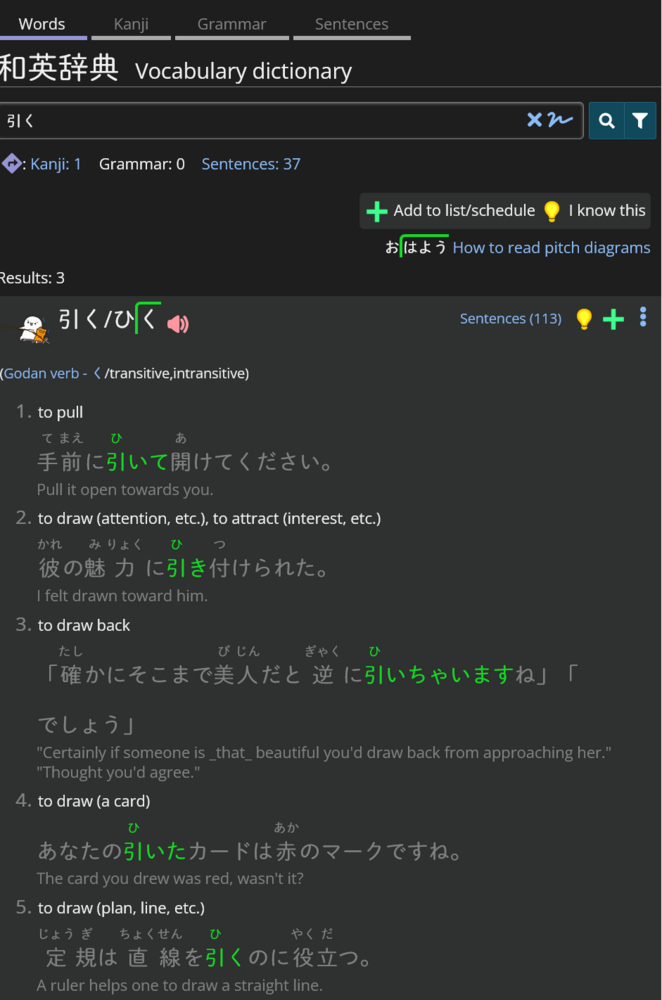
Simply put, this project lets users look at a word in a sentence, and choose which meaning (for words that have 2 or more meanings) matches it. This feature will show (when available) one sentence for each meaning.
Future additions (once I am sure this is working out) will allow you to, after tapping the Sentences (xxx) link, to filter on specific meanings.
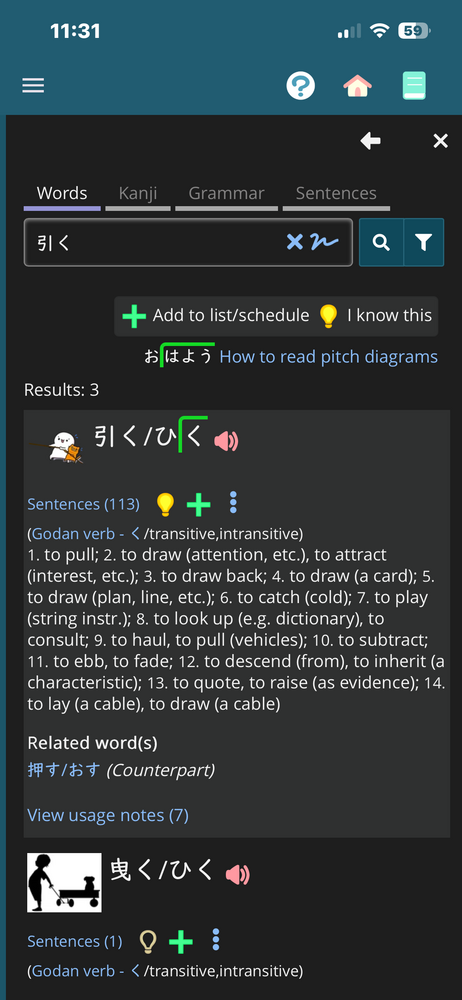
My screen does not look like your screenshot. I could click on the link for sentences, and get sample sentences, but they are not numbered according to the definitions like yours are. And I do have the experimental feature turned on in my settings.
Meanwhile, I accidentally learned something new. I didn’t realize that you can tap on any word in a definition, and it’ll search that word in the dictionary. I knew that you could tap on kanji, but I didn’t realize it searches every single word in the definitions. I don’t know how I didn’t realize that before. What a nice feature.
Oh yes, I forgot to mention that. I'll need to write that up in a clearer place. Go to the dictionary section of settings, make sure compact defs are not turned on.
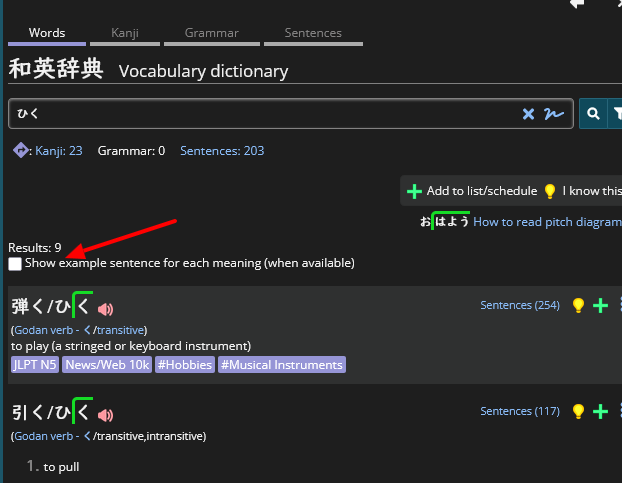
A small note on the feature as it is: the display feels a bit bulky on the app. For example, with 引く, I can no longer see all the definitions on my screen and have to scroll. That's not a problem in and of itself, but this makes it harder to find a specific word if the list of results is long (e.g. searching for an English term and finding which fits best to the situation at hand). As such, I would prefer the example sentences to be hidden until clicked, or a toggle in the dictionary to make them visible or not. I wonder what other users' thoughts are on the topic. An ideal solution would both satisfy users and require as little work on your side as possible.
EDIT: I'm also curious how this feature interacts with custom definitions. I have a feeling the interaction could lead to issues. If you need someone to play around with that for testing purposes, feel free to reach out.
Super cool feature! Where exactly is the project to expand upon this? I can't find it and a lot of meanings still have no sentence :)
Menu → Support Renshuu → Crowdsourcing Projects !
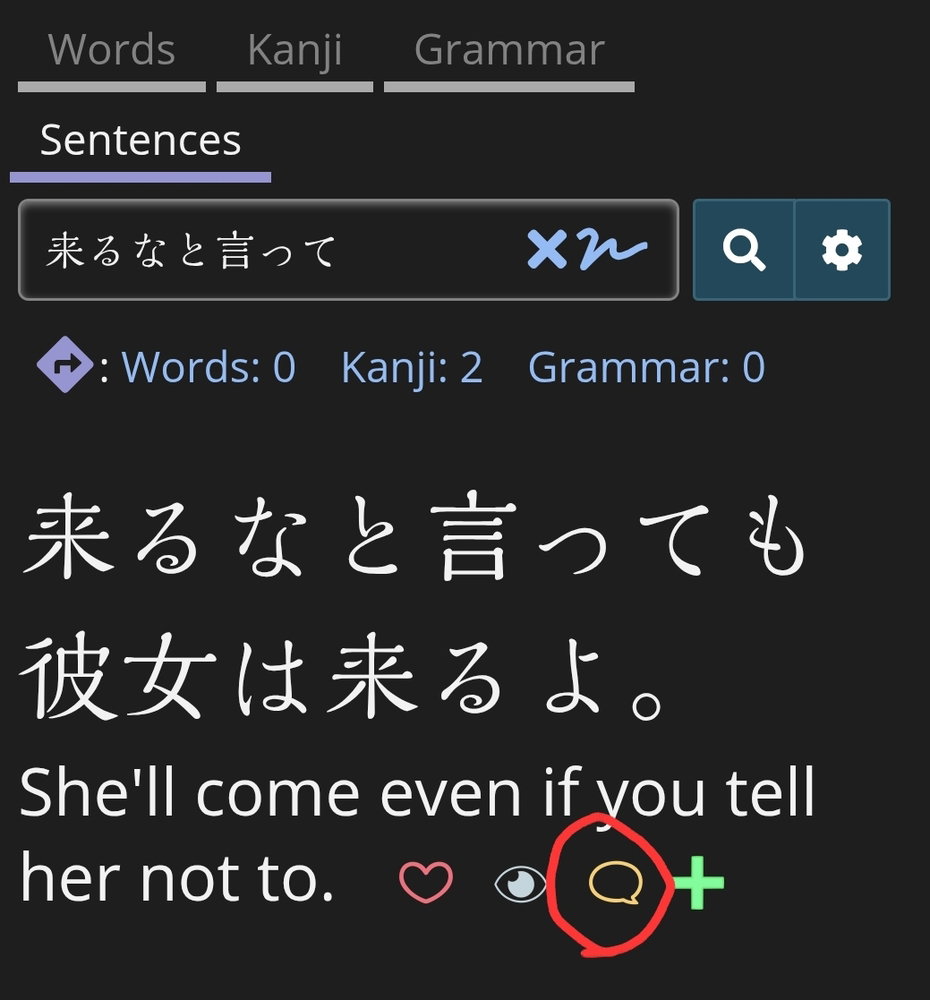
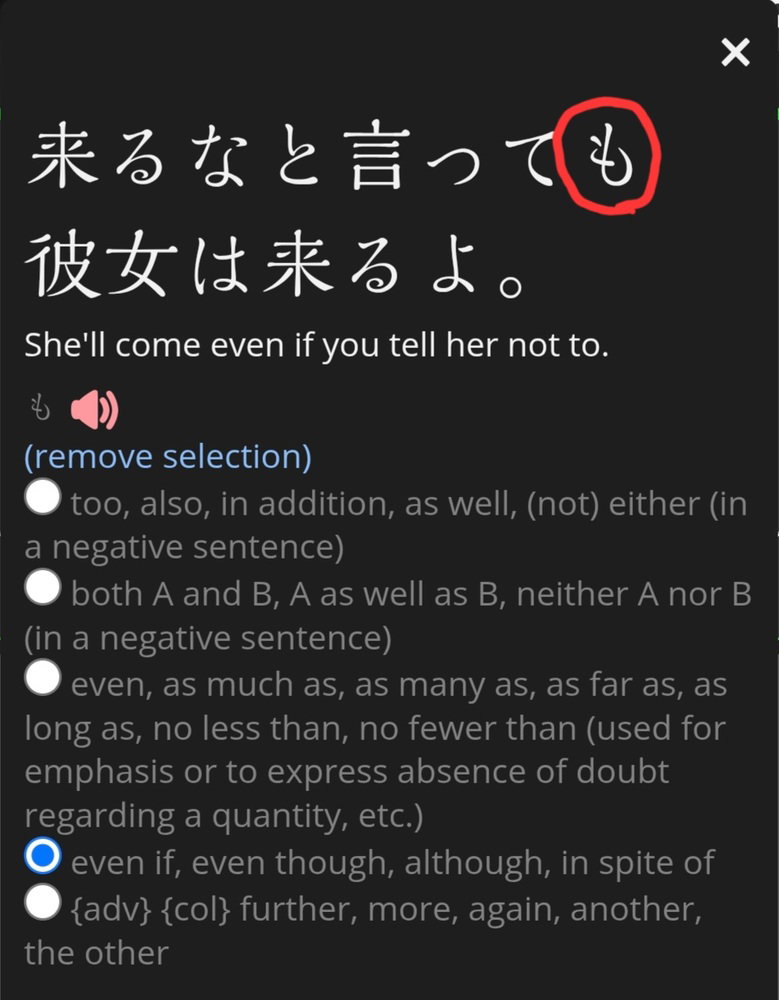
You can also open any sentence into the pop-up view (using the speech bubble button), and click on any word in the sentence to tag the definition used.
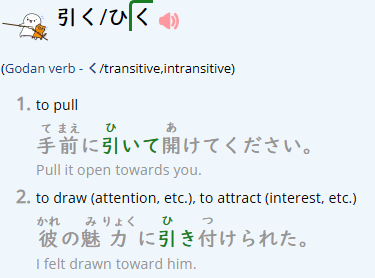
The feature is great but in light mode, and especially on the blue alternating background, the grey colour of the font is a bit difficult to see (vs if it were black) imho. If it would be possible to select another font colour that would be great!
You can also open any sentence into the pop-up view (using the speech bubble button), and click on any word in the sentence to tag the definition used.
Is this the context you mean?
I find a sentence and click the "discussion" speech-bubble button.
I type a term in the sentence within the new popup and get a list of the possible definitions, with a radio button for each. I then tap the definition or button and it gets filled in. Nothing else obvious happens, but this counts as tagging?
I type a term in the sentence within the new popup and get a list of the possible definitions, with a radio button for each. I then tap the definition or button and it gets filled in. Nothing else obvious happens, but this counts as tagging?
One thing I noticed is that with this feature on, it’s always showing furigana when a sentence is displayed under a particular meaning rather than following the system settings.