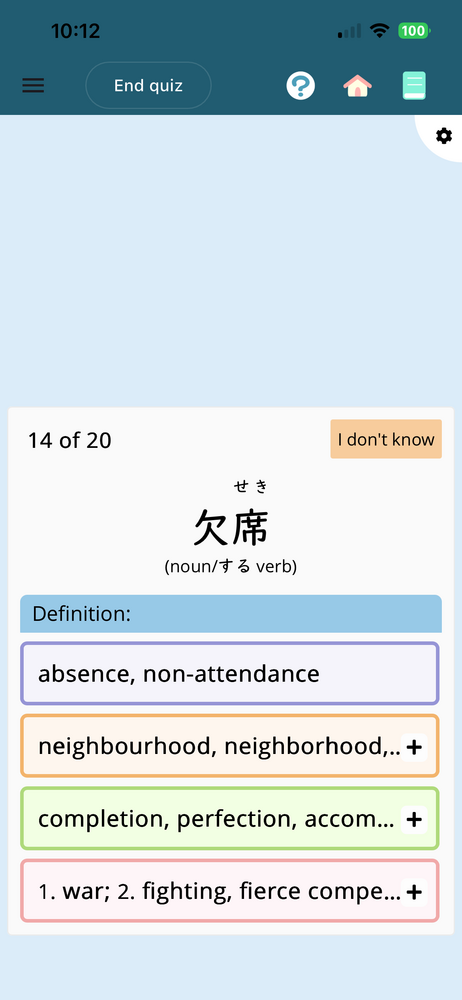
I recently started the intermediate schedules and every new word and kanji has its lightbulb automatically on removing the furigana that should be above the kanji. Meanwhile some kanji and words that I actually clicked the lightbulb myself still have the furigana.
I’ve looked through all the settings and haven’t found anything that might explain it. If anyone knows about this and can help so I don’t have to click the lightbulb off on every word I’d really appreciate it. 🙏
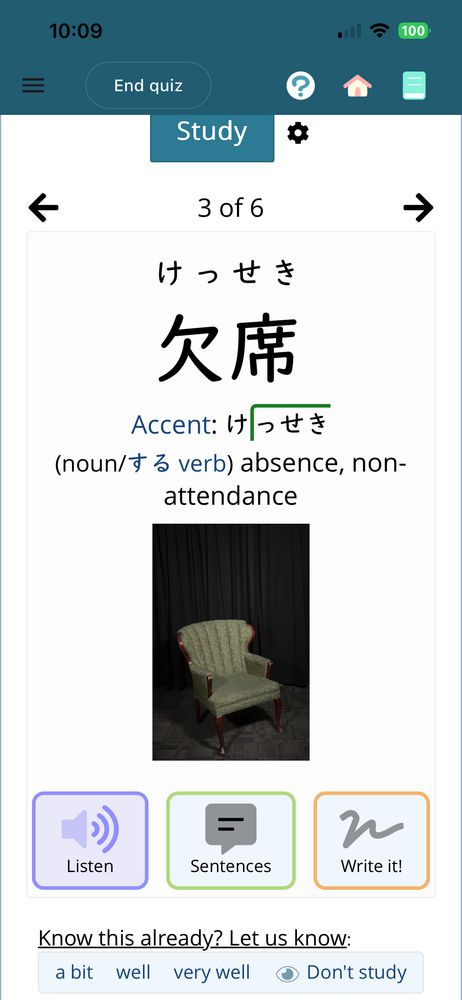
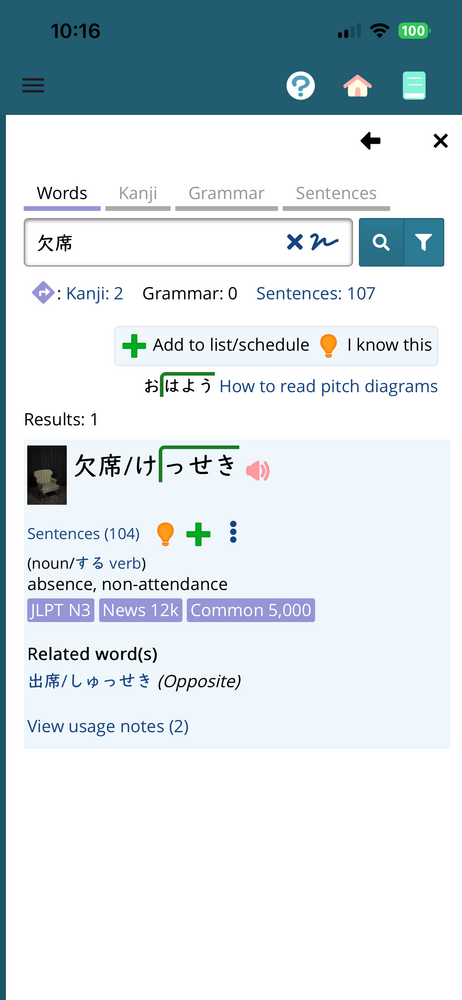
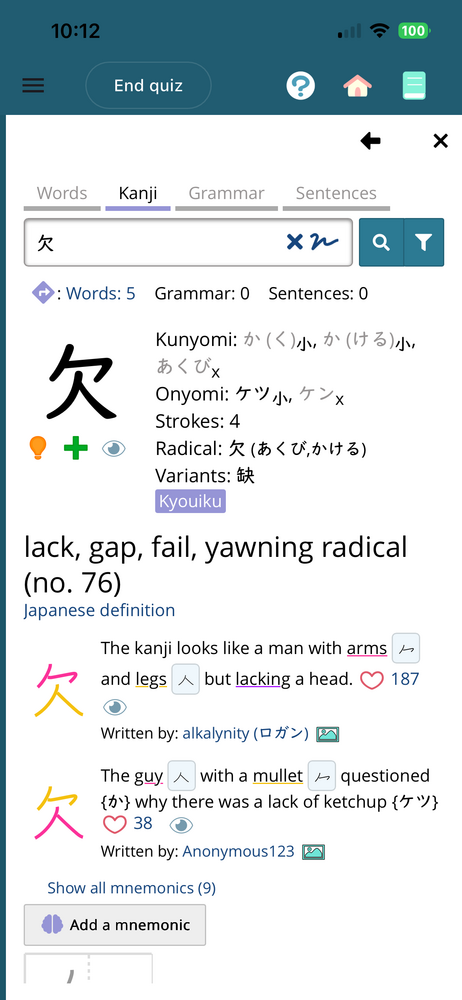
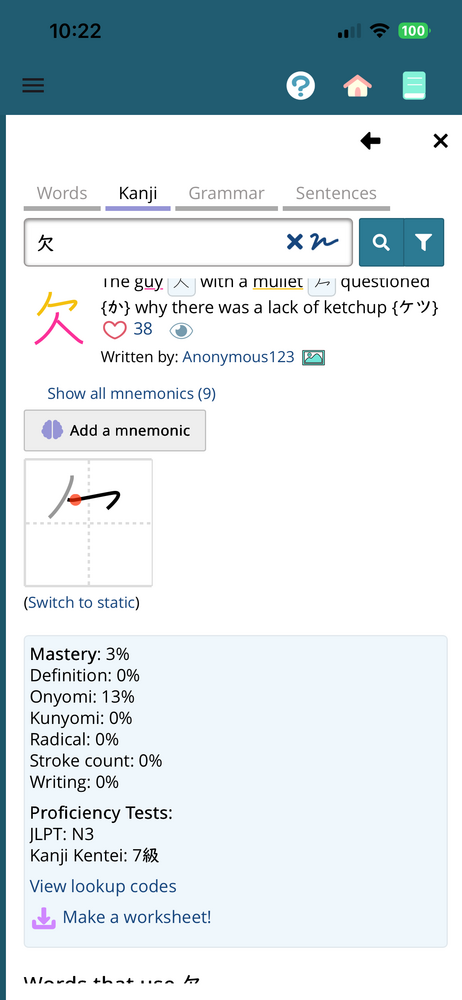
Ok so I clicked study on my intermediate schedule and one of the new words was 欠席. Now both kanji are in the intermediate kanji schedule but I only recently started that schedule too. I know I’ve seen these kanji but that’s it so there’s no way I’d hit the light bulb on either of them or this word. 席 doesn’t have the light on and it’s mastery is 0% 欠’s bulb is on with a mastery of 3% and the word 欠席’s bulb is on too.
So, lightbulbs get turned on for kanji/words after you study them once. In the last screenshot, you have studied 欠 before, so when that happened, you got the lightbulb turned on.
Now, if you do NOT want that to happen (only ones you manually mark), you can tell renshuu that. Go to the menu > settings > vocabulary. Under the "what kanji should be displayed in vocabulary", uncheck the first checkbox.
Thanks. Though now it seems everything has the furigana even words and kanji I hit the lightbulb on 🫠. I must’ve messed with the settings somehow. I think I’ll just put it back on, I think it’ll help me learn better that way anyway. Thanks again 🙏